

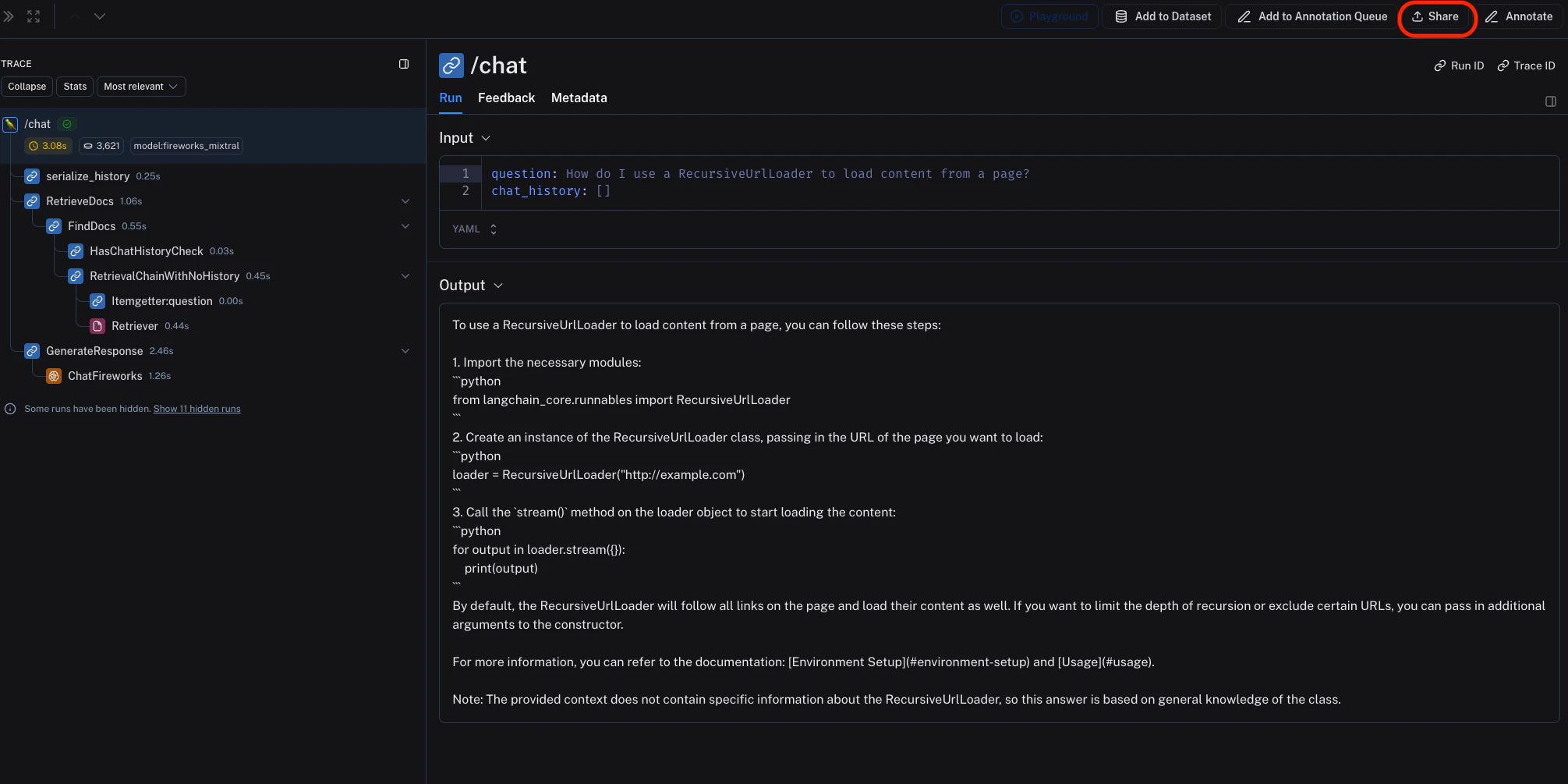
-
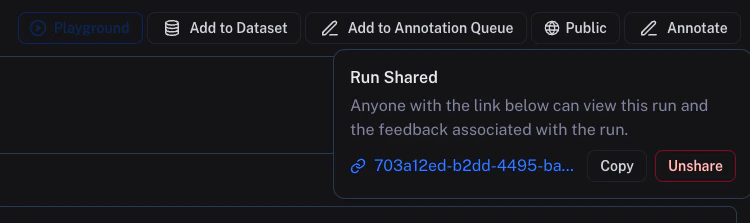
Click on Unshare by clicking on Public in the upper right hand corner of any publicly shared trace, then Unshare in the dialog.
-
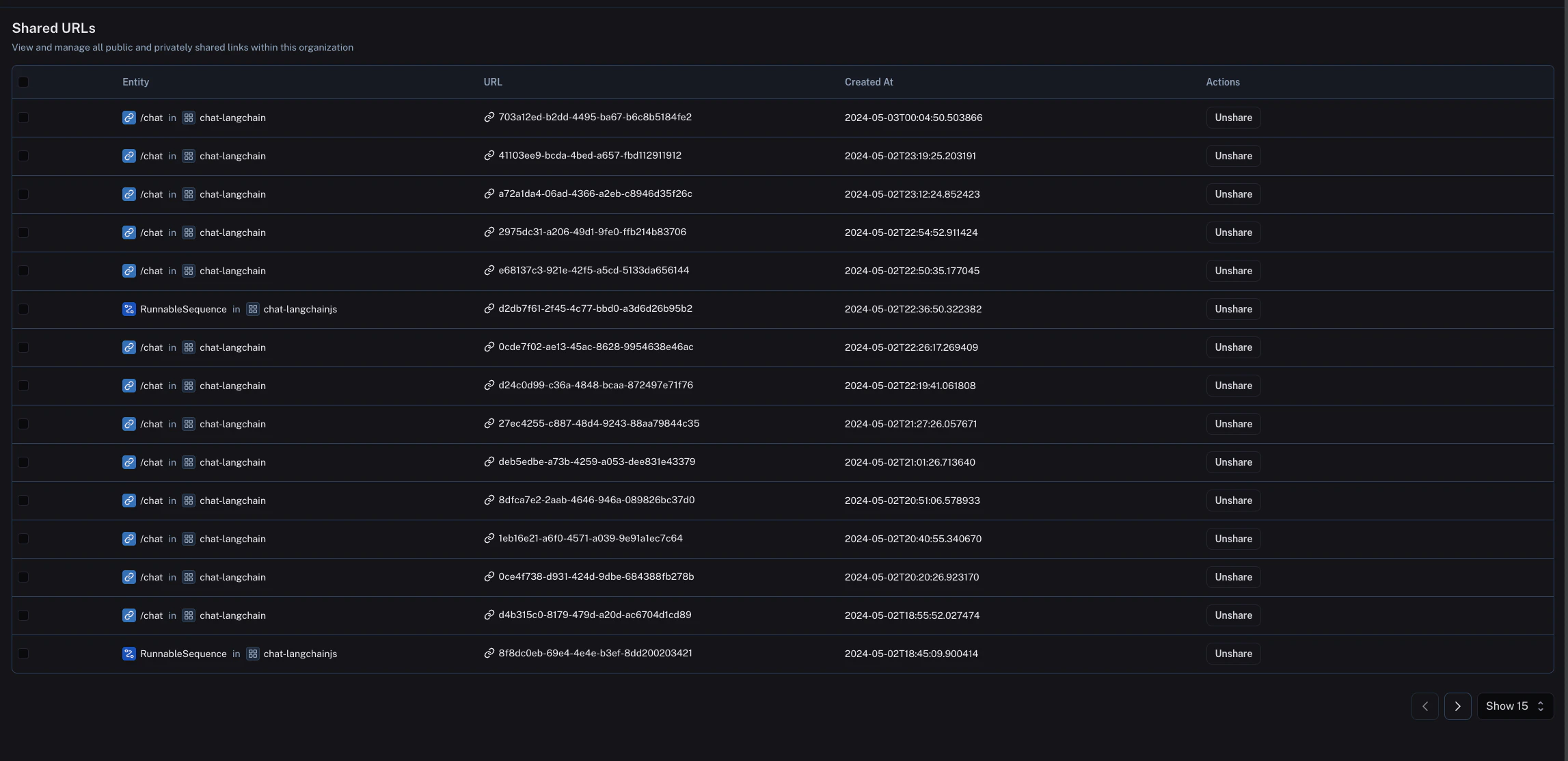
Navigate to your organization’s list of publicly shared traces, by clicking on Settings -> Shared URLs, then click on Unshare next to the trace you want to unshare.
Connect these docs to Claude, VSCode, and more via MCP for real-time answers.